
Field Sales App That Connects Your Team to the Office
Your salesman is standing in a shop. The owner wants to know if the new pack is in stock, what this month's scheme is, and why last week's payment still shows as due. If the answers are in a diary or a WhatsApp chat, the sale gets smaller or slips to next week.
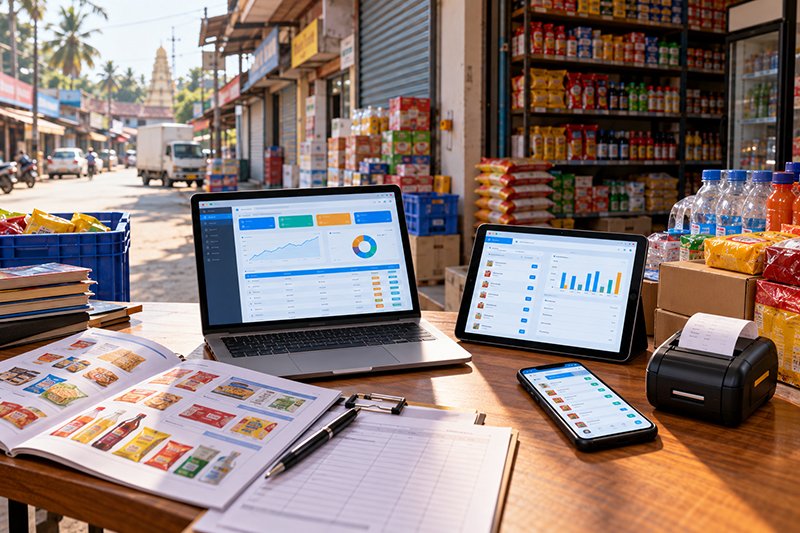
JMJ Field Force Connect is a mobile app that puts your sales office in your team's pocket. Orders, live stock, customer pricing, outstanding and payments come straight from your JMJ ERP. When the salesman taps submit, the office has the order at the same moment.
- Distributors
- Medical reps
- Van and route sales
- Any team on the road
What is JMJ Field Force Connect?
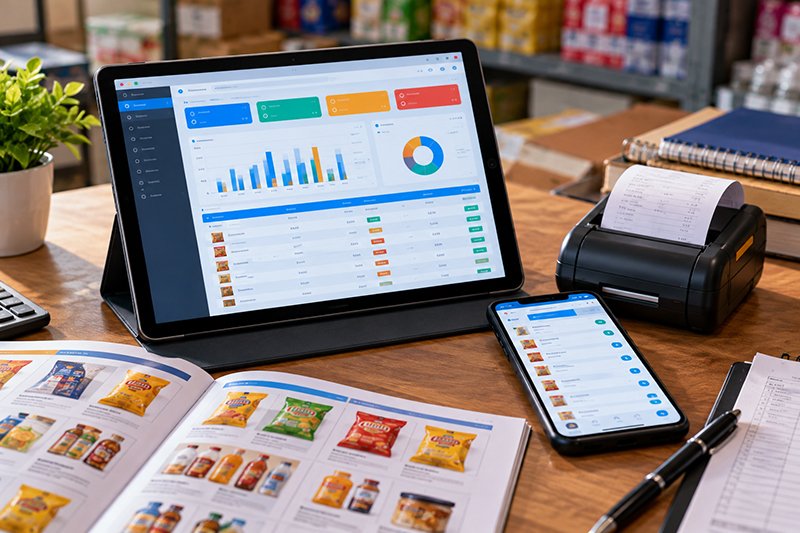
JMJ Field Force Connect is a real-time extension of the JMJ ERP for field sales teams: salespeople take orders and collect payments on it, and managers see visits, sales and collections as they happen.
It is not a stand-alone order-taking app. When a salesperson takes an order, the warehouse gets the picklist; when they collect a payment, accounts sees it. That removes duplicate data entry between the field and the office.
- Users
- Salespeople and managers
- Connects to
- JMJ ERP
- Works offline
- Yes, syncs on reconnect
- Payments
- Cash, cheque, UPI
- Tracking
- GPS visits and beat plans
- Demo
- 15 minutes

The sales office, in the salesperson's pocket.
Why field teams need more than WhatsApp
Without the right tools, feet-on-the-street teams are disconnected from the office.

Back-office staff re-type orders every evening
What it costsHours of work and entry mistakes.
What the app doesOrders arrive in the ERP the moment they are submitted.
Salespeople promise stock you do not have
What it costsFailed deliveries and lost retailer trust.
What the app doesReal-time stock levels for every item on the order screen.
Reps cannot collect because they do not know the balance
What it costsSlower collections and higher outstanding.
What the app doesExact outstanding shown, payment recorded with a digital receipt.
Managers do not know which customers were visited, or for how long
What it costsNo basis for coaching or route planning.
What the app doesGPS visit tracking, visit reports and daily beat plans.
One visit, recorded once
- Beat planThe day's customers planned by the manager.
- VisitLocation and time logged on arrival.
- OrderCustomer pricing, schemes and live stock loaded.
- CollectionOutstanding shown, payment and receipt recorded.
- In the ERPPicklist for the warehouse, entry for accounts.
Features for productivity and accountability
For the salesperson
Real-time order taking
A simple, fast order screen with the customer's specific pricing and schemes already loaded.
Live stock and pricing
Real-time stock for every item, so nothing out of stock is sold. For pharma distributors, medical reps see stock batch-wise.
On-the-spot payment collection
See the customer's exact outstanding; collect by cash, cheque or UPI; generate a digital receipt.
Digital product catalogue
A high-resolution visual catalogue to introduce new items and suggest add-ons.
Offline mode
Take orders with no internet. The app syncs automatically when it gets a signal.
For the manager
GPS visit tracking and beat plans
See the team's live location on a map, with reports on which customers were visited, when and for how long. Create daily beat plans to organise routes.
Sales performance dashboards
Sales, collections and visits in real time, showing top performers and those who need help.
Centralised orders and targets
All incoming orders in one place, with monthly sales and collection targets for every rep.
Who uses Field Force Connect

FMCG distributors
With FMCG Distribution ERP.
Pharmaceutical distributors
Medical reps with batch-wise stock, via Pharma ERP.
Building material suppliers
Order booking and collections from dealers.
Auto and spare parts
Parts sales teams visiting workshops and retailers.
Food and beverage
Route sales teams supplying shops.
Any feet-on-the-street team
Wherever orders and collections happen in the field.
What to check in a field sales app
General buyer guidance.
- Is stock live?A cached stock figure leads to promises you cannot keep.
- Does it work offline?Test it on a route with poor coverage.
- Does the order reach the ERP directly?Or does someone still re-type it?
- Can reps see outstanding and credit?That decides whether collections improve.
- What do managers see?Visits, time spent, targets and performance.
- Who builds the ERP behind it?One vendor for app and ERP keeps data in one place.
Why talk to JMJ
A field staff mobile app is one of JMJ's documented long-running projects, and it is built by the same team that builds the ERP behind it. JMJ Software Solutions has been building business software since 2001, from Kochi and Bangalore.
Questions about the app
What is a field force app?
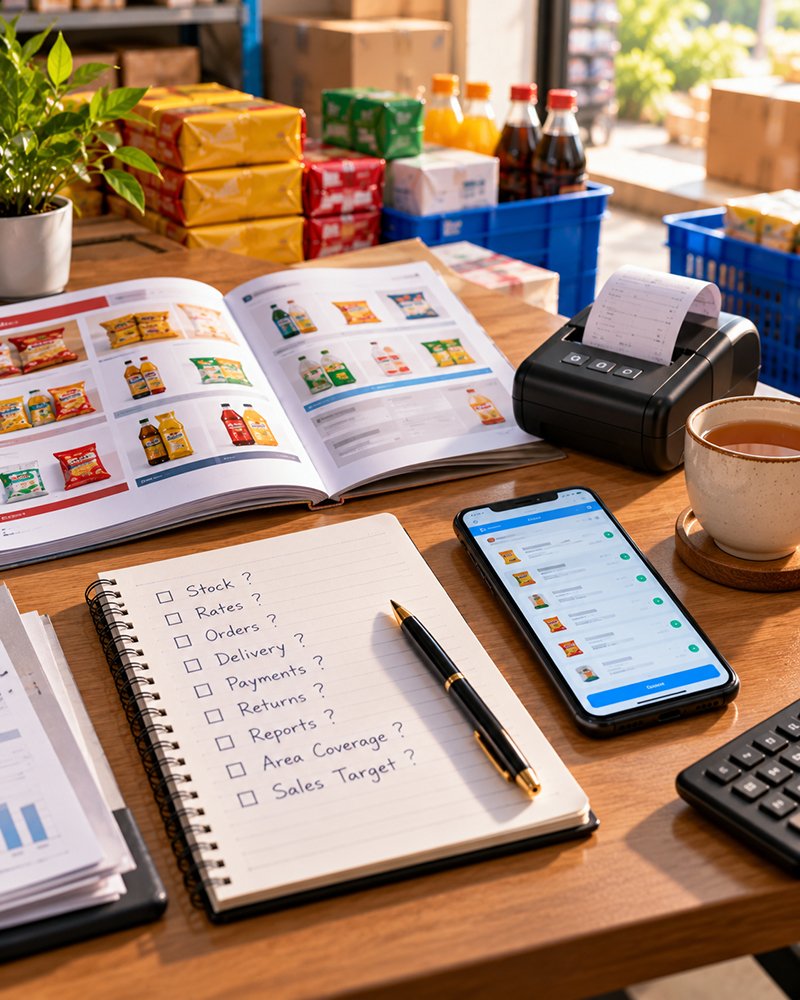
A field force app is a mobile app that lets salespeople book orders, check stock and prices, and collect payments while visiting customers, while managers track visits and performance. JMJ Field Force Connect sends everything straight to the JMJ ERP in real time.
Does Field Force Connect work without internet?
Yes. Orders can be taken in offline mode, in a basement shop or on a rural route with no signal, and the app syncs automatically as soon as it reconnects.
Can managers see where the team has been?
Yes. GPS visit tracking shows the team's location on a map and reports which customers were visited, when and for how long. Managers can also create daily beat plans.
How do salespeople collect payments?
The app shows the customer's exact outstanding balance. Payments by cash, cheque or UPI are recorded on the spot, and a digital receipt can be generated.
Which JMJ systems does it connect to?
Field Force Connect is the mobile front end for JMJ ERP. It works with FMCG Distribution ERP and Pharma ERP, where medical reps see batch-wise stock.
Can managers set sales targets?
Yes. Monthly sales and collection targets can be set and tracked for every rep, and performance dashboards show sales, collections and visits in real time.
Who is the app for?
Any business with a sales team on the road: FMCG and food distributors, pharmaceutical distributors, building material suppliers, auto and spare parts businesses, and food and beverage companies.
Related products and pages
Other JMJ products and pages that work alongside this one.
See it in 15 minutes
The JMJ team books an order, collects a payment and shows the visit report, using a setup close to yours.
Prefer to talk? Call +91 7902 889 777, email info@jmjsoft.com or message us on WhatsApp.
