
FMCG Distribution Software for Distributors in Kerala
It is six in the evening. The salesmen are back, and someone in the office is typing the day's orders from WhatsApp messages and diary pages. Half the bills need a scheme applied by hand. A few orders were for stock that is not in the godown.
JMJ FMCG Distribution ERP closes that gap. It is the system behind the Field Force Connect app: orders confirmed on a salesman's phone are live in the ERP, the warehouse sees the picklist, accounts sees the pending invoice, and schemes and credit limits are applied automatically.
- Super stockists
- C&F agents
- Regional distributors
- Food & beverage distributors
What is JMJ FMCG Distribution ERP?
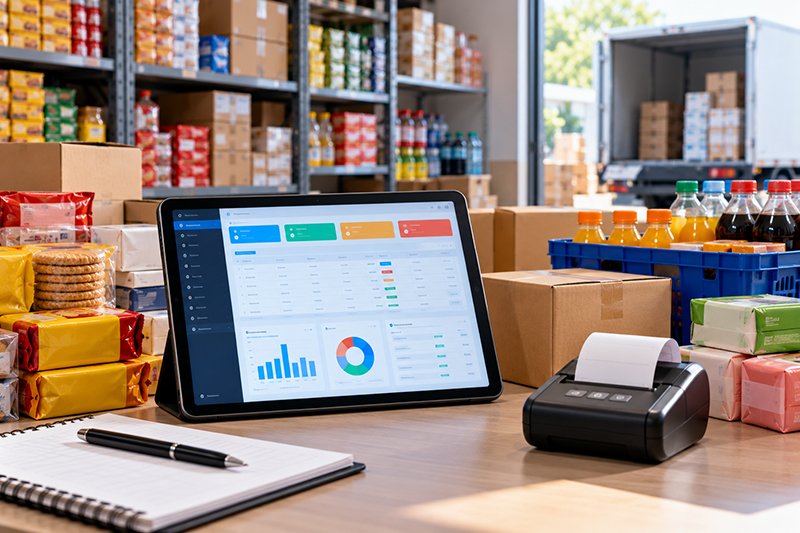
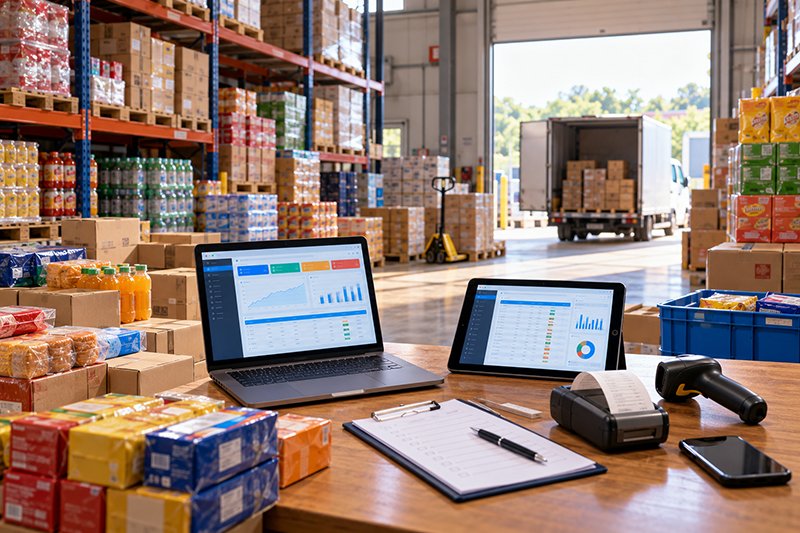
JMJ FMCG Distribution ERP is a field-first distribution system that connects the sales team's app, the warehouse and the accounts in real time, so an order is entered once and flows through to picking, invoicing and collection.
In FMCG, the biggest enemy is the time gap between taking an order and shipping it. That gap usually fills with manual re-entry and billing errors. Removing the re-entry shortens the order-to-cash cycle and gives a live view of stock, sales and outstanding.
- Built for
- FMCG distributors and stockists
- Mobile
- Field Force Connect app
- Stock
- Multi-godown, batch, expiry, FEFO
- Accounts
- Built in, with credit control
- Tax
- GST e-invoice
- Support
- JMJ team in Kochi

Orders, schemes and stock moving at the speed of the route.
Where distributors lose margin
In a high-volume, low-margin business, small manual errors add up every day.

Hundreds of orders re-typed every evening from WhatsApp or diaries
What it costsEntry errors that show up as returns and disputes.
What the system doesApp orders land in one dashboard and become invoices in one click.
Schemes like "buy 10, get 1 free" or "10% off plus 2%" applied by hand
What it costsBilling errors and margin loss.
What the system doesMulti-level schemes and pricing applied automatically at billing.
Salesmen sell stock that is not there, or close to expiry
What it costsFailed deliveries, angry retailers and expiry losses.
What the system doesLive stock on the app; batch, expiry and FEFO in the warehouse.
The warehouse runs on paper picklists
What it costsSlow, inaccurate packing and dispatch.
What the system doesPicklists generated from confirmed orders, by batch.
Accounting data is days behind
What it costsTrue cash flow and outstanding are unknown; credit is given blindly.
What the system doesIntegrated accounts with customer-wise credit limits visible to the rep.
The order-to-cash cycle, unbroken
Sales orders from the app are converted to invoices, linked to dispatch and delivery, and finally to accounts for collection.
- Order in the shopBooked on Field Force Connect with that retailer's prices and schemes.
- Office checkOrders verified in one dashboard; credit checked.
- InvoiceOne-click invoice with schemes and GST e-invoice.
- Pick & dispatchFEFO picklist by batch; van or delivery.
- CollectionPayment recorded on the spot or later; outstanding updated.
Core features designed for FMCG speed
Scheme and pricing management
- Item-wise, customer-wise, route-wise and quantity-based pricing
- Free items and stacked discounts
- Special pricing for different customer groups
- Applied automatically at the time of billing
Why it matters: the right scheme goes on every bill, and the sales team cannot apply the wrong one.
Real-time order processing
- Orders from the Field Force Connect app, telesales and walk-in counter in one dashboard
- Back-office verification and one-click conversion to invoices
Warehouse and expiry management
- Multi-location warehouses and godowns
- Batch and expiry tracking on every item
- FEFO picking rules
- Streamlined stock-in and stock-out
For bin-level control, see warehouse management below.
Van sales and route management
- Pre-load vans with suggested stock
- Track van inventory
- Invoices on the go with mobile printers
- On-the-spot payment collection
- Route-wise profitability and collections
Integrated accounting and credit control
- A full-featured accounting ERP: invoices, payments and expenses integrated
- Customer-wise credit limits, visible to the sales rep on the app
- Over-limit sales blocked automatically
- Real-time outstanding by customer, route or salesperson
Procurement and purchase
- Purchase orders from reorder levels
- Supplier pending orders tracked
- Material landing cost analysis
MIS reports
One-click reports on profitability by salesperson, route, item or brand.
GST e-invoice
E-invoices generated from billing entries, without re-entry.
Warehouse management: bins, barcodes and pick lists
For distributors whose godown has grown past "the storekeeper knows where it is": a wrong item reaches an important customer, finding one product takes a walk round the whole godown, the physical count never matches the system, or new stock sits at the dock unrecorded and can't be sold. Bin-level stock, scanned moves and pick lists sit inside the same ERP as billing and accounts.
Receiving and put-away
- Stock scanned as it arrives
- The system suggests a bin, for example Aisle 3, Rack 5, Bin 2
- Worker scans the bin to confirm; stock is live at once
Picking and packing
- Each order becomes a digital pick list in walking order
- Every item scanned to check it before packing
Barcoding
- Bins, items and shipping labels carry barcodes
- Each move checked against the order, not by eye
Cycle counting
- Count a small section every day
- No shutdown for a full annual stock-take
Warehouse management is about the inside of one godown: bins, picking and scanning. Stock across several branches and godowns is handled by multi-location inventory, which Retail Point and this ERP share.
Do we still need a separate accounting package?
Many distributors run billing in one system and accounts in Tally, so the accounting data is always days behind. That makes it hard to know true cash flow or today's outstanding.
JMJ FMCG Distribution ERP is a full-featured accounting ERP. Invoices, receipts and expenses post directly, so orders, stock and books live in the same system, and the credit limit a salesman sees on the app reflects today's balance.
Who uses it

FMCG super stockists
High-volume billing with schemes and credit control.
C&F agents
Carrying and forwarding with batch and expiry.
Multi-brand regional distributors
Many brands, routes and salesmen in one system.
Food and beverage distributors
Perishable stock with FEFO and van sales.
FMCG manufacturers
Distribution for their own products. Production can run on Food Pro ERP.
What distributors should test in a demo
General buyer guidance.

- Your most complex schemeBring a real one and ask for it to be set up and billed.
- App to invoiceHow many steps from a salesman's order to an invoice?
- Credit controlDoes the salesman see the limit before taking the order?
- Van stockCan vans be tracked as stock locations?
- ExpiryIs FEFO enforced on the picklist?
- AccountsWill you still need to export to another package?
Why talk to JMJ
Distribution is one of JMJ's longest-running areas. JMJ's Distribution & Supply Chain ERP work includes batch and expiry tracking and automated order flow for distributors, and JMJ's field staff app is already used to manage sales teams on the road.
Both halves from one team. The ERP and the app are built by the same people, so orders, stock and accounts stay in one system.
Since 2001. More than 250 projects for over 100 customers, with Kerala distributors supported from Kochi.
Questions distributors ask
What is FMCG distribution software?
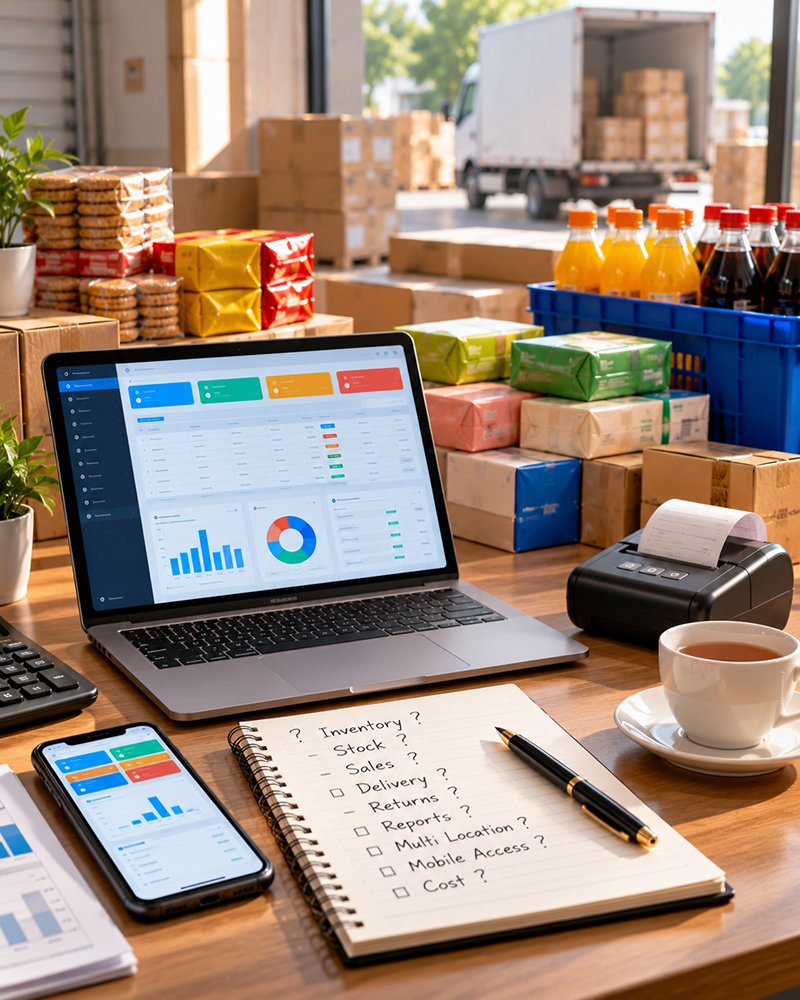
FMCG distribution software runs a distributor's orders, pricing schemes, warehouse, van sales, billing, collections and accounts in one system. JMJ FMCG Distribution ERP also connects to the Field Force Connect mobile app, so orders taken in the shop reach the office without being re-typed.
How does the ERP handle complex schemes?
You set a scheme once, item-wise, customer-wise, route-wise or quantity-based, including free items and stacked discounts. The system applies it automatically at billing, so salesmen and billing staff do not have to work it out.
Do we still need Tally?
JMJ FMCG Distribution ERP has full accounting built in, so invoices, payments, expenses and outstanding live in the same system as orders and stock, without a separate accounting package for day-to-day work. If your auditor needs data in another format, discuss it with the JMJ team.
Can salesmen see live stock and outstanding?
Yes. Through the Field Force Connect app, salesmen see live stock and each retailer's current outstanding and credit limit, and over-limit sales can be blocked automatically.
Does it support van sales?
Yes. Vans can be pre-loaded with suggested stock, van inventory is tracked, and van staff generate invoices with mobile printers and collect payments on the spot. Route-wise profitability and collections are reported.
Does it handle batch and expiry?
Yes. Stock across multiple warehouse locations is tracked by batch and expiry, and picking follows first-expiry, first-out (FEFO).
Does it support GST e-invoicing?
Yes, straight from the billing entries.
Which businesses use it?
FMCG super stockists, C&F agents, multi-brand regional distributors, food and beverage distributors and FMCG manufacturers with their own distribution.
Related products and pages
Other JMJ products and pages that work alongside this one.
See an order go from the shop to the bill
In a 30-minute demo, the JMJ team books an order on the app, applies a scheme, picks it in the warehouse and posts the bill, using products like yours.
Prefer to talk? Call +91 7902 889 777, email info@jmjsoft.com or message us on WhatsApp.
