
Retail POS Software for Store Chains in Kerala
A customer asks for a shirt in size 40. Your store has 38 and 42. Somewhere in another branch a 40 is on the shelf, but finding it means a phone call, a wait, and often a customer who has already left.
JMJ Retail Point is more than a point of sale. It is a retail ERP that puts head office, the central warehouse and every storefront on the same stock and the same numbers. The cashier bills quickly, head office sees every sale as it happens, and the counter can see what another store holds.
- Apparel & footwear
- Electronics & mobiles
- Home & furniture
- Franchise networks
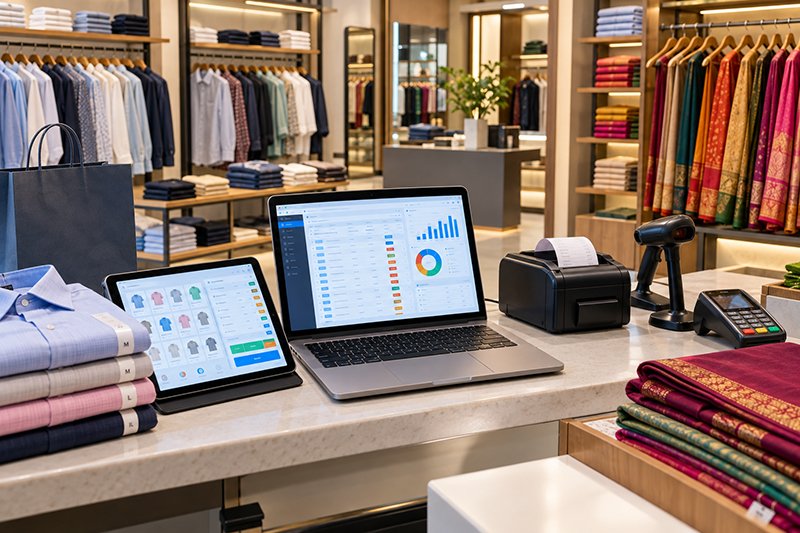
What is JMJ Retail Point?
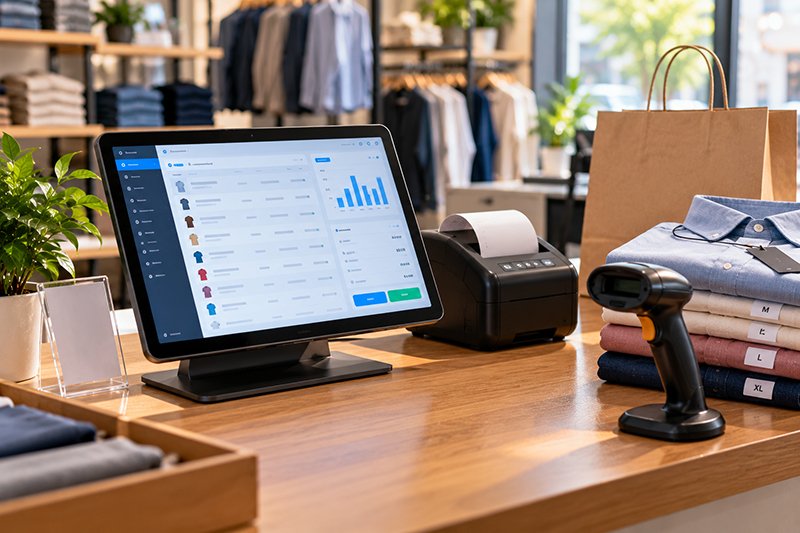
JMJ Retail Point is an all-in-one retail POS and ERP that unifies head office, warehouse and stores, so a sale in one store updates central inventory, reports and accounts at once.
When stores operate as independent islands, a chain loses sales in one place and traps cash in dead stock in another. A single source of truth lets you move stock to where it is selling and buy based on real data.
- Built for
- Multi-store specialty retail
- Billing
- Fast POS, offline-capable
- Stores
- Company-owned and franchise
- Customers
- CRM, loyalty, gift vouchers
- Stock
- Central, with transfers
- Support
- JMJ team in Kochi

Every store, the warehouse and head office on the same numbers.
Is your retail chain out of sync?
A disconnected chain is a weak chain.

Staff call other branches to check a size or model
What it costsCustomers walk out while you search.
What the system doesLive stock for every store and the warehouse, from the billing screen.
One store is out of an item that gathers dust in another
What it costsLost sales and cash trapped in dead stock.
What the system doesInter-store transfers in a few clicks.
Purchasing and transfers are planned on spreadsheets
What it costsOverbuying, stock-outs and guesswork.
What the system doesCentral purchasing with reorder suggestions from sales data.
Consolidated sales, profit and stock take days to compile
What it costsDecisions are made on last month's numbers.
What the system doesReal-time consolidated reports by store, item and category.
Franchise payouts and supplies are calculated by hand
What it costsErrors and disputes with franchisees.
What the system doesFranchise billing, inventory requests and automated royalty and payouts.
Billing queues are long because the POS is slow
What it costsLost patience at the counter.
What the system doesA fast, touch-friendly billing interface that keeps working offline.
From head office to every counter
- Head officeItems, attributes, prices and purchasing set centrally.
- WarehouseCentral stock and replenishment to stores.
- StoresBilling, returns, loyalty; stock visible chain-wide.
- TransfersStock moved to where it sells.
- ReportsSales, profit and stock movement, consolidated.
Features designed for a growing retail chain
Fast and smart POS
- A clean, simple, touch-friendly billing interface
- Easy to learn for cashiers
- Discounts and returns
- Offline mode during temporary internet outages
- Integrated with inventory and CRM
Real-time centralised inventory
A live, consolidated view of every item in every store and in the central warehouse. Know exactly what you have and where.
Inter-store transfers
Fulfil a customer's request from another branch, or rebalance stock from low-sales to high-sales stores, within the system.
Multi-store and franchise management
- Company-owned and franchise stores from one login
- Central price control
- Franchise billing and sales tracking
- Franchise inventory requests
- Automated royalty and payout calculations
CRM and loyalty programmes
- Customer profiles captured at the POS
- Purchase history
- Points-based loyalty programmes
- Gift vouchers
Centralised procurement and replenishment
- All purchasing from one place
- Automated reorder suggestions based on sales data
- Minimum stock levels for each store
Back office and analytics
- Product categories and attributes: size, colour, brand
- Consolidated reports on sales, profit and stock movement
- Reports per store, per item and per category
Integrated accounts
Store sales update head office accounts directly, so POS data does not need to be reconciled with a separate accounting package.
Multi-location inventory: branches, godowns and vans
Stock in every store, godown and van, seen and moved as one. Built into JMJ ERP, not added on, so transfers and valuation post straight to accounts.
One view of all stock
- Total stock value and quantity across every location
- Drill down by region, branch or item
Transfers you can track
- Branch raises an indent; head office approves
- Stock shows as in transit until the receiving branch confirms
Stock levels per location
- Minimum, maximum and reorder levels for each branch
- Busy branches get alerts sooner; quiet ones don't overstock
Central or local purchasing
- Buy everything centrally
- Or let branches raise indents for head office approval
One valuation
- Consolidated stock value for the whole company
Multi-branch management with consolidated accounts
Head office is the main entity. Branches, godowns and factories sit beneath it, each working day to day as usual, while head office sees and controls the whole company live. Every branch posts to one central database, so there are no Tally files to merge.
Consolidated accounts, any day
- Company-wide P&L, balance sheet and trial balance
- No manual merging of files
Branch-wise profit
- Side-by-side P&L for every branch
- See which locations earn and which cost
Head office control
- Create items centrally and push them to all branches
- Uniform prices branches can't change
- Approval for branch purchase orders
Inter-branch transfers, accounted automatically
- Stock and cash moved between branches create matching entries on both sides
- A clear audit trail
The same multi-branch core runs several showrooms and service centres in Auto DMS, and a main hospital with satellite clinics in JMJ HMS.
Online order management
Connects your online store, B2B portal or marketplace orders to the same stock and accounts as your shops and warehouse.
- OrderThe order is created in JMJ ERP.
- StockThe stock is reserved in your warehouse.
- InvoiceThe invoice is generated in accounts.
- DispatchThe warehouse gets a pick list; once packed, dispatch details can go back to the store.
All orders in one place
- Website, marketplace and phone orders on one screen inside JMJ ERP
Stock that stays in sync
- A sale online reduces stock in the ERP
- New stock received updates the quantity available online
Invoices and accounts
- Each completed order creates a sales invoice and voucher
- Payments are easier to reconcile
Real business rules
- Ship from the nearest warehouse
- B2B prices for dealers
- Product bundles
Who it is for
Retailers selling online
An online store linked to the same stock as your shops.
Distributors with a B2B portal
A private ordering site where dealers and wholesalers log in to order at their own prices.
Marketplace sellers
Marketplace orders brought into the same order screen.
Because JMJ can build both the online store and the ERP behind it, there is one team responsible for the link between them. See custom software development.
Made for specialty retail

Apparel and footwear chains
Size and colour variants across stores.
Electronics and mobile stores
Model-level stock across branches.
Home goods and furniture
Central warehouse with showroom stores.
Book and stationery stores
Wide catalogues with category reporting.
Boutiques and luxury goods
Customer profiles and loyalty.
Toy and hobby stores
Seasonal stock moved between stores.
What retail chains should evaluate
General buyer guidance.

- Offline billingCan the counter keep billing during an outage?
- Chain-wide stockCan the cashier see other stores from the billing screen?
- TransfersAre transfers tracked from request to receipt?
- Franchise handlingAre royalty and payouts calculated automatically?
- VariantsAre size, colour and brand handled cleanly in reports?
- AccountsWill POS data flow into accounts without re-entry?
Why talk to JMJ
Retail experience. JMJ's long-running projects include a Footwear & Garments ERP, and multi-location inventory is built into the core of the JMJ platform rather than added later.
Since 2001. More than 250 projects for over 100 customers, with Kerala retailers supported from Kochi.
Questions retailers ask
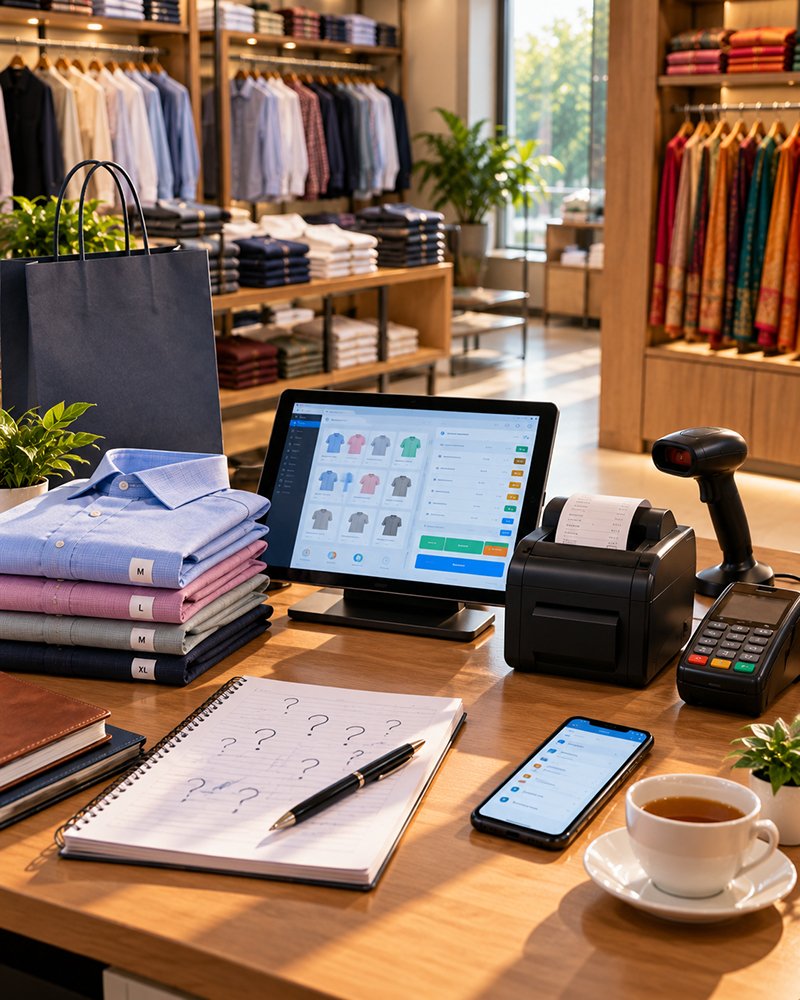
What is JMJ Retail Point?
JMJ Retail Point is a POS and retail ERP for store chains. It connects head office, the central warehouse and every storefront on one platform, with real-time sales, centralised inventory, inter-store transfers, franchise management, loyalty and consolidated reports.
Does the POS work if the internet goes down?
Yes. Billing continues in offline mode during temporary internet outages and syncs when the connection returns.
Can a cashier see stock in other stores?
Yes. Live stock for every item in every store and the central warehouse is visible, so a customer's request can be fulfilled from another branch.
Can it manage franchise stores?
Yes. Company-owned and franchise-owned stores are managed from one login: pricing control, franchise billing, franchise sales tracking, franchise inventory requests, and automated royalty and payout calculations.
Does it include loyalty programmes?
Yes. Customer data is captured at the POS with purchase history, and you can run points-based loyalty programmes or issue gift vouchers.
Can it handle size, colour and brand variants?
Yes. Head office defines product categories and attributes such as size, colour and brand.
How are purchases planned across stores?
Purchasing is managed centrally, with automated reorder suggestions based on sales data and minimum stock levels set for each store.
Do POS sales need re-entering into accounting software?
No. When a cashier sells an item, head office, the central warehouse and the accounts are updated, and consolidated sales, profit and stock reports are available across all locations.
Related products and pages
Other JMJ products and pages that work alongside this one.
See a sale reach head office
In 30 minutes, the JMJ team bills at one store, transfers stock from another and shows the sale in head office reports.
Prefer to talk? Call +91 7902 889 777, email info@jmjsoft.com or message us on WhatsApp.
